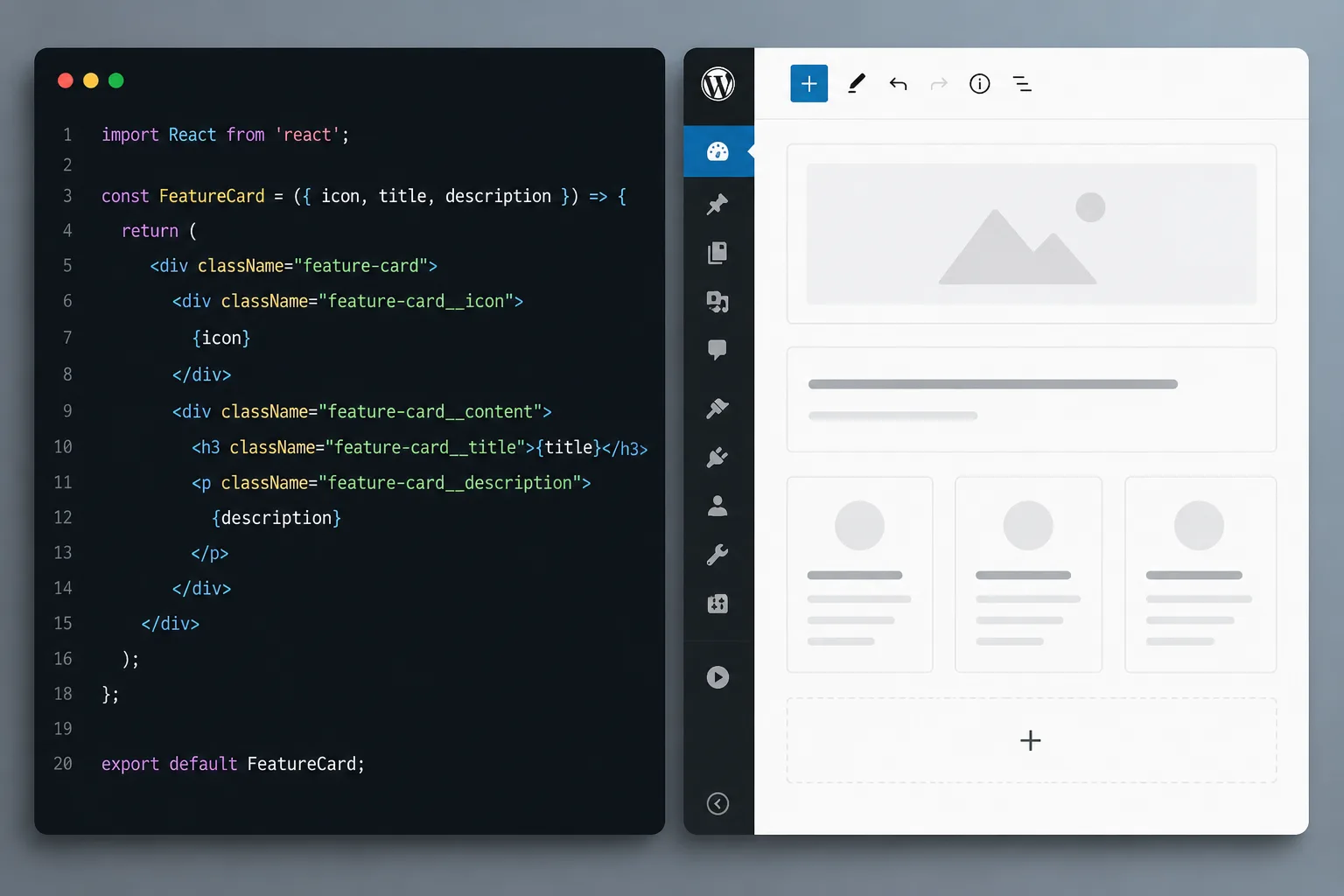
"Choosing the right platform for your website is one of the biggest decisions a business makes. In this guide, FactoryJet breaks down React vs WordPress across performance, SEO, cost, and scalability."
Key Takeaways
- 1React is a JavaScript library for building interactive UIs. WordPress is a full content management system (CMS).
- 2WordPress is better for content sites, blogs, and non-technical teams.
- 3React (with Next.js) is better for web applications, custom builds, and performance-first projects.
- 4Both platforms can rank well on Google, but require different SEO setups.
- 5A hybrid approach called headless WordPress lets you use both at once.
Table of Contents
- Platform Overview: React vs WordPress
- Technical Comparison
- How to Decide: Choosing the Right Platform
- React vs WordPress Feature Comparison
- Real Business Case Study
- Expert Insights
- Final Verdict: React vs WordPress
- Frequently Asked Questions
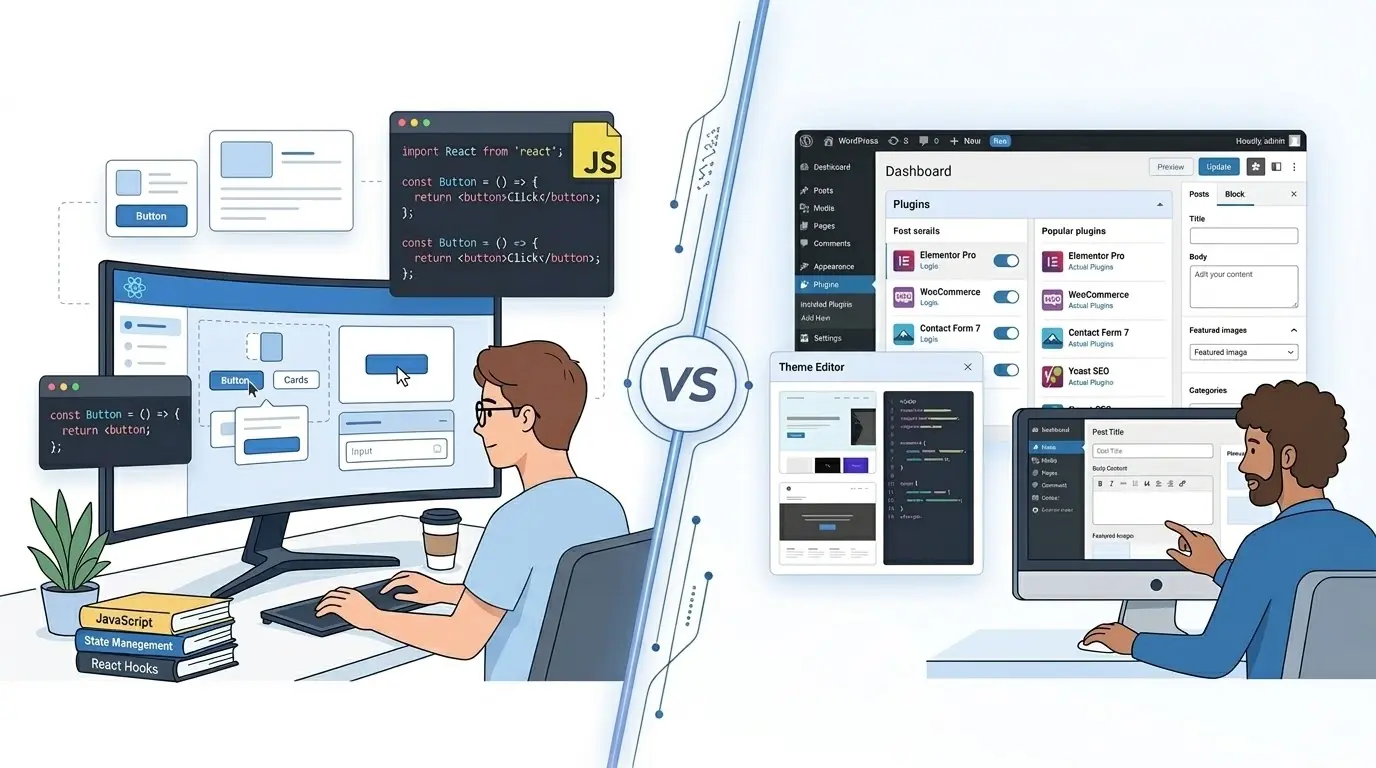
Choosing the right platform for your website is one of the biggest decisions a business makes. Get it wrong, and you pay for it in slow load times, lost rankings, and expensive developer fixes.
Two platforms dominate the conversation: React and WordPress. One powers nearly half the internet. The other is reshaping how high-performance websites are built.
In this guide, the team at FactoryJet breaks down React vs WordPress across performance, SEO, cost, and scalability. By the end, you will know exactly which platform fits your business.
✦ Read This First
- React is a JavaScript library for building interactive UIs. WordPress is a full content management system (CMS).
- WordPress is better for content sites, blogs, and non-technical teams.
- React (with Next.js) is better for web applications, custom builds, and performance-first projects.
- Both platforms can rank well on Google, but require different SEO setups.
- A hybrid approach called headless WordPress lets you use both at once.
Platform Overview: React vs WordPress
What Is React?
React is an open-source JavaScript library created by Meta in 2013. It is designed for building fast, dynamic user interfaces.
React is not a complete website platform. It handles one thing: the view layer of an application. You still need additional tools for routing, data, and content management.
React is the foundation behind some of the world's most visited sites, including Facebook, Instagram, and Airbnb. Today, developers commonly pair React with Next.js to build production-ready websites that are fast, SEO-friendly, and highly scalable.
React is best suited for: SaaS platforms, dashboards, custom web applications, and performance-critical business websites.
What Is WordPress?
WordPress is the world's most popular content management system. It launched in 2003 and now powers over 43% of all websites globally, from personal blogs to Fortune 500 company sites.
WordPress is a complete platform. It includes hosting integration, theme design tools, a visual content editor, and access to over 60,000 plugins that extend its functionality without writing a single line of code.
WordPress is best suited for: content websites, business blogs, news portals, ecommerce stores (via WooCommerce), and teams without dedicated developers.
Technical Comparison
React vs WordPress Performance
Page speed matters more than ever. Google uses Core Web Vitals as a direct ranking factor. The platform you choose has a major impact on how fast your site loads.
React (with Next.js) delivers exceptional performance. Static pages generated by Next.js load in under one second when served over a CDN. React's virtual DOM also minimises unnecessary page repaints, making interactions feel instant.
WordPress performance is more variable. A standard WordPress installation can score as low as 30–40 on Google PageSpeed Insights. However, with proper caching (WP Rocket, W3 Total Cache), a CDN, and managed hosting from providers like Kinsta or WP Engine, WordPress sites can score 80–95.
The key difference: React performance is baked in by design. WordPress performance has to be engineered through the right configuration.
React vs WordPress SEO
Both platforms can rank on Google. But the effort required is very different.
WordPress has built-in SEO advantages. Plugins like Yoast SEO and Rank Math handle meta tags, sitemaps, structured data, and breadcrumbs with no coding required. WordPress also renders HTML on the server by default, so Googlebot can crawl every page immediately.
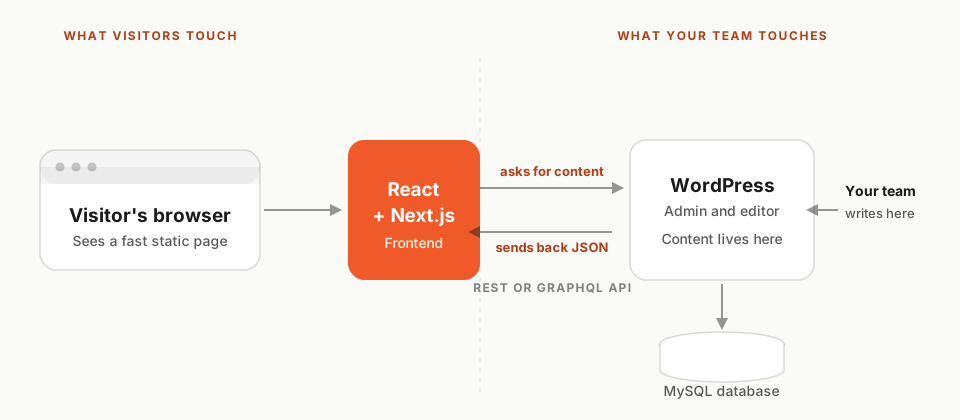
Standard React (client-side rendering) can create crawling problems. Content is rendered in the browser after the page loads, which can delay indexing. The solution is Next.js, which renders pages on the server before delivery, producing fully crawlable HTML that Googlebot can read without JavaScript execution.
React sites also require manual meta tag management through libraries like React Helmet or Next.js Head components. Sitemaps and robots.txt files must be configured separately in your deployment setup.
React vs WordPress Scalability
What happens when your site grows from 1,000 visitors a month to 100,000? The answer depends on your platform.
React scales cleanly. Static files are deployed to a global CDN (Vercel, Netlify, or AWS CloudFront). When traffic spikes, pages are served from the nearest edge location, no server bottleneck. React also integrates naturally with microservices and serverless functions, so your frontend and backend can scale independently.
WordPress can scale, too, but it requires more infrastructure planning. Without object caching, database replication, and load balancers, a high-traffic WordPress site can become slow and unstable. Managed hosting providers like WP Engine and Kinsta handle much of this automatically, but at a higher cost.
React vs WordPress Development Cost
Note: Prices below reflect typical global agency pricing based on industry benchmarks. Actual costs may vary depending on region, project complexity, and development team.
| Cost Factor | WordPress | React (Next.js) |
|---|---|---|
| Initial Build Cost | $2,000 – $15,000 | $8,000 – $50,000+ |
| Monthly Hosting | $20 – $100/mo | $5 – $50/mo |
| Ongoing Maintenance | $50 – $300/mo | $100 – $500/mo |
| Plugins & Tools (Annual) | $200 – $800/yr | Minimal/custom-built |
| Developer Hourly Rate | $50 – $150/hr | $80 – $200/hr |
| Non-Tech Content Management | No developer needed | Developer required |
WordPress wins on upfront cost. A professionally built WordPress site costs significantly less than a custom React build. However, React delivers better long-term ROI for high-traffic, high-growth businesses.
See our transparent pricing guide
How to Decide: Choosing the Right Platform
Choose React If...
- You are building a web application: a SaaS product, dashboard, or interactive tool.
- Your team includes experienced JavaScript or React developers.
- Page speed and Core Web Vitals scores are a top business priority.
- You need a fully custom design that cannot be achieved with themes.
- Your site integrates with complex APIs or real-time data.
- You expect significant growth and need unlimited scalability.
Choose WordPress If...
- You need a content website: a blog, news site, or marketing hub.
- Your team is non-technical and will manage content without developers.
- Your budget is under $10,000 for the initial build.
- You want to launch quickly, WordPress themes cut time in half.
- You rely on specific tools: WooCommerce, LMS, or booking systems.
- Your primary strategy is inbound SEO and content marketing.
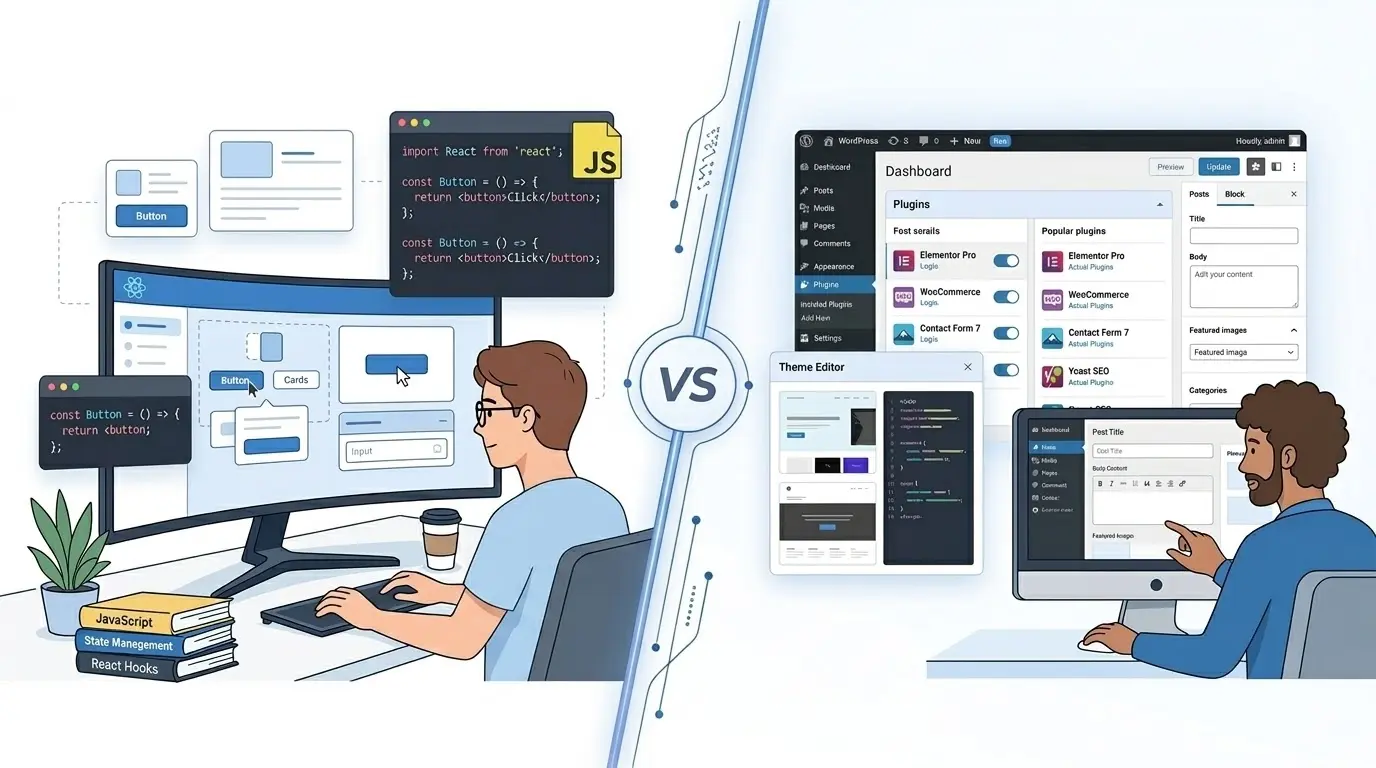
React vs WordPress Feature Comparison
| Feature | React (Next.js) | WordPress | Winner |
|---|---|---|---|
| Page Load Speed | Excellent | Good (with caching) | React |
| SEO Capability | Strong (with SSR) | Strong (with plugins) | Tie |
| Ease of Use | Developer required | Non-tech friendly | WordPress |
| Scalability | Excellent | Good (managed) | React |
| Design Flexibility | Unlimited | Theme-limited | React |
| Plugin Ecosystem | Manual build | 60,000+ plugins | WordPress |
| Build Cost | Higher | Lower | WordPress |
| Security | Lean codebase | Plugin vulnerabilities | React |
Real Business Case Study: Migrating from WordPress to React
📋 Case Study · SaaS Platform Migration · 2024
The Problem
A mid-sized SaaS company’s WordPress site load times had crept above four seconds. Organic traffic had stagnated while competitors outranked them. PageSpeed scores had dropped to 52.
The Solution
The company migrated to a headless architecture using Next.js for the frontend and kept WordPress as the backend CMS for editorial ease.
The Results
- ▸ Google PageSpeed score: 52 → 94
- ▸ Largest Contentful Paint (LCP): 4.1s → 1.3s
- ▸ Organic traffic increase: +38% within 6 months
- ▸ Maintenance time: reduced by 60%
Expert Insights
The web development industry shift is clear. The 2024 State of JavaScript survey found Next.js adoption rates climbing every year. Smashing Magazine noted that headless CMS architectures are now the preferred approach for performance-first agencies.
FactoryJet Perspective
At FactoryJet, our recommendation is based on business need. For marketing-led businesses that publish regularly, WordPress remains our top recommendation. For product companies and high-growth startups, we build in Next.js.
Final Verdict: React vs WordPress
React is better for performance-critical web applications. WordPress is better for content-driven websites managed by non-technical teams.
The clearest way to decide: if your website is a tool, build it with React. If your website is a publication, build it with WordPress.
Ready to make the right choice? Contact FactoryJet for a free website strategy consultation.
Is your website losing customers?
Stop losing customers to competitors. Check your website score now and get a free optimization report.
Planning a website
Tell Us What Your Website Needs to Do
You get a fixed quote that lists every page and integration before any work starts.
Frequently Asked Questions
Is React better than WordPress?
What is the main difference between React and WordPress?
Can React and WordPress work together?
Which is faster: React or WordPress?
How much does a React website cost compared to WordPress?
Is WordPress still good for modern websites?
Should I migrate from WordPress to React?
Is Next.js a replacement for WordPress?

Bhavesh Barot
Founder & CEO
Founder & CEO of FactoryJet, an ecommerce and AI services company that has served 500+ businesses across the US, UK, UAE, and India. Writes about ecommerce builds, AI agents, and AI search.
Related reading
- Custom Web Development vs WordPress for US Small Businesses: When to Choose What in 2026WordPress powers roughly 43% of the web for good reason: it is fast to launch, cheap to maintain, and well-suited to most US small business sites. Custom web development wins when your product is the website itself. This guide maps the decision to your business model with real US pricing, three-year cost math, and the questions that actually separate the two.
- Webflow vs WordPress for US Small Businesses: The Honest 2026 ComparisonWebflow gives a US small business a visually polished site with managed hosting and zero plugin chaos, but it caps out fast on content depth and integrations. WordPress costs less long-term, scales further, and runs on the world's largest plugin ecosystem, but you own the maintenance. This 2026 guide maps each platform to the team, budget, and content rhythm you actually have.
- Best WordPress Development Companies in Australia for Small Business (2026)How to choose a WordPress developer as an Australian small business in 2026. Six companies whose WordPress services we checked on their own websites, sourced AUD price ranges, the features worth paying for, and what to put in the contract.